FOSS or otherwise
Bitwarden. Otherwise I won’t be able to log on to any of my accounts.
I concur. I would never go back.
The kernel. I can take or leave most things, but I’m not going back to the days of writing directly into memory-mapped registers.
But that’s my favorite part
Someone always beats me to the funniest response!
Oh, don’t worry. The guy who answered
vmlinuzbeat me to the joke in general :)
Android. As bad as it is, if I had to use iOS or Linux phones it would be even worse, at least with the current state of Linux phones.
But actually, maybe if Android didn’t exist, the FOSS community would focus more on Linux phones and they would be an actually good option. Maybe Android shouldn’t exist?
For me it’s iOS, funnily enough. I use Windows for all of our video game machines and Linux for everything else, but I don’t use any Google products or services. After messing around on my computers all the time, I don’t want to even have to THINK about doing things to my phone to make it go. My current phone is six years old and the only reason I’m upgrading this year is to get a 120hz screen, USB-C, and for better low light pictures of cats. And a terabyte would be nice.
Google is a bad company, and Apple isn’t any better. Probably the best option for you would be GrapheneOS on one of the latest pixels, they have intuitive software, 120hz screens, have had USB-C for years, a good camera, lots of storage, and most importantly GrapheneOS doesn’t use Google or Apple, it’s FOSS.
GrapheneOS is awesome, but like I said, no google products and I don’t want to fuck with my phone at all. Apple isn’t perfect, but it’s leagues better than stock Google with app permissions and overall privacy. My six year old phone is still fully supported for at least another year, and I enjoy the OS for the very few things I do on my phone. This is definitely the best option for me.
My biggest concern with graphene is that I don’t really trust that my apps will work on it.
I haven’t looked into it for years, but I do need to use apps like Microsoftone drive, WeChat, banks, etc.
Even if they work I’m concerned that they will see I’m on some modified OS and block my account.
Maybe just a feature phone and tether it to a laptop?
On Android, it’s probably a little utility software called Quick Cursor (it’s not FOSS). It’s incredibly convenient being able to spawn a cursor on your phone from thin air that you can use to reach the “unreachable” portions of your screen, especially if you are holding your phone with one hand. Besides being a “phone touchpad” it has a bunch of ways of triggering actions/shortcuts, for example: volume or brightness control, launching an app (I use it for launching a floating calculator, notes…), opening notification shade, copying text (it can copy any text that is under the cursor, even if it’s not selectable)…
It’s not that I couldn’t go without it, but it changed the way I use my phone and it would feel really weird without it. It feels like it should be a part of the OS.
Used this for all of 10 seconds and fell in love.
That may be the single most intuitive, and intuitively useful, app I have used in years.
Wow, instant default install.
This is a nice share. I have used Edge Gestures for years (made by the same dev who created Square Launcher, which was my daily driver coming off Windows Phone) and this is a nice augmentation to that.
I am curious about the usefulness of the functionality behind the paywall. It looks like some of the app launching features could replace what I use edge gestures for, but without a trial to test it I can’t be certain.
If you use the pro version, can you let me know if there is a way to pick from multiple applications to launch?
Here’s an example of the application shortcuts in Edge Gestures:
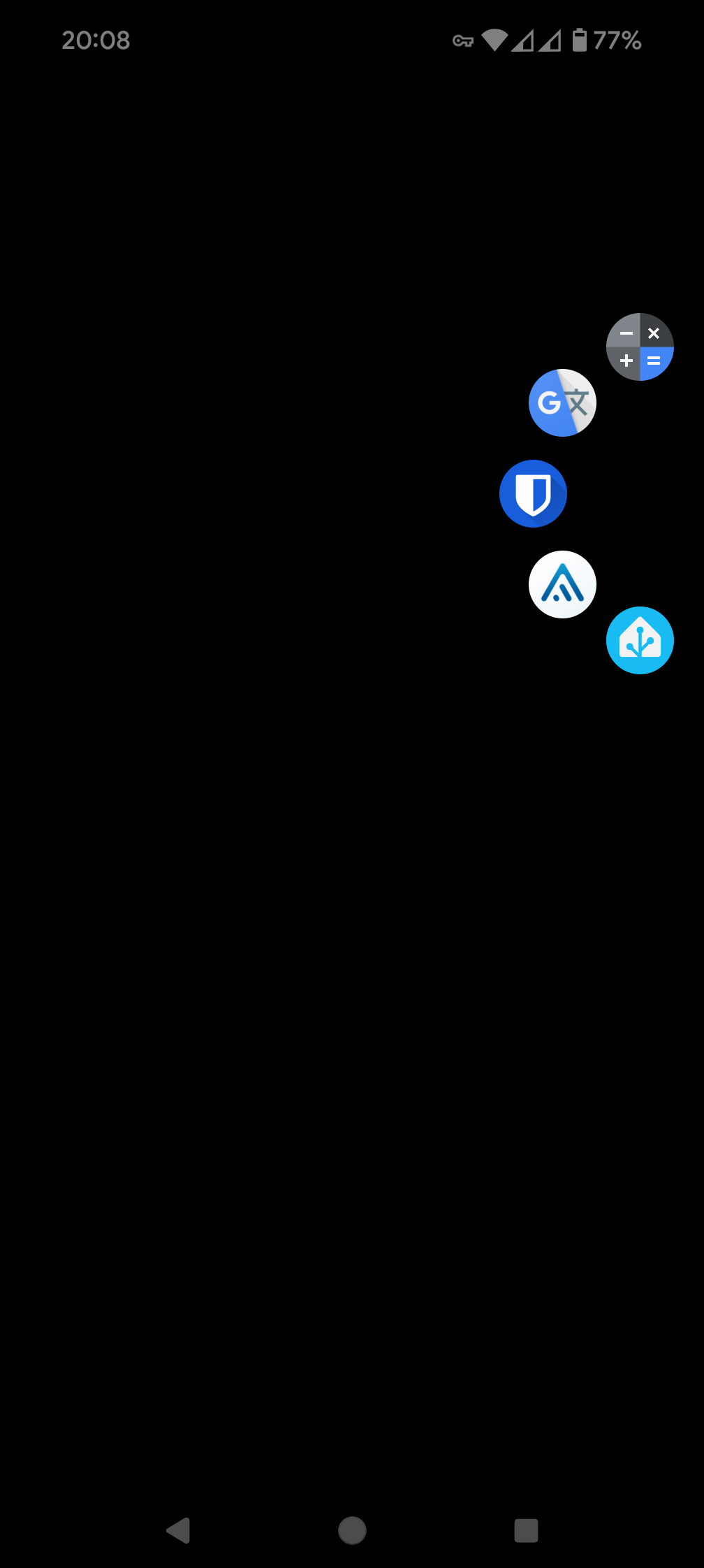
So, there are 2 main places for shortcuts/actions: tracker actions and edge actions.
These are my tracker actions
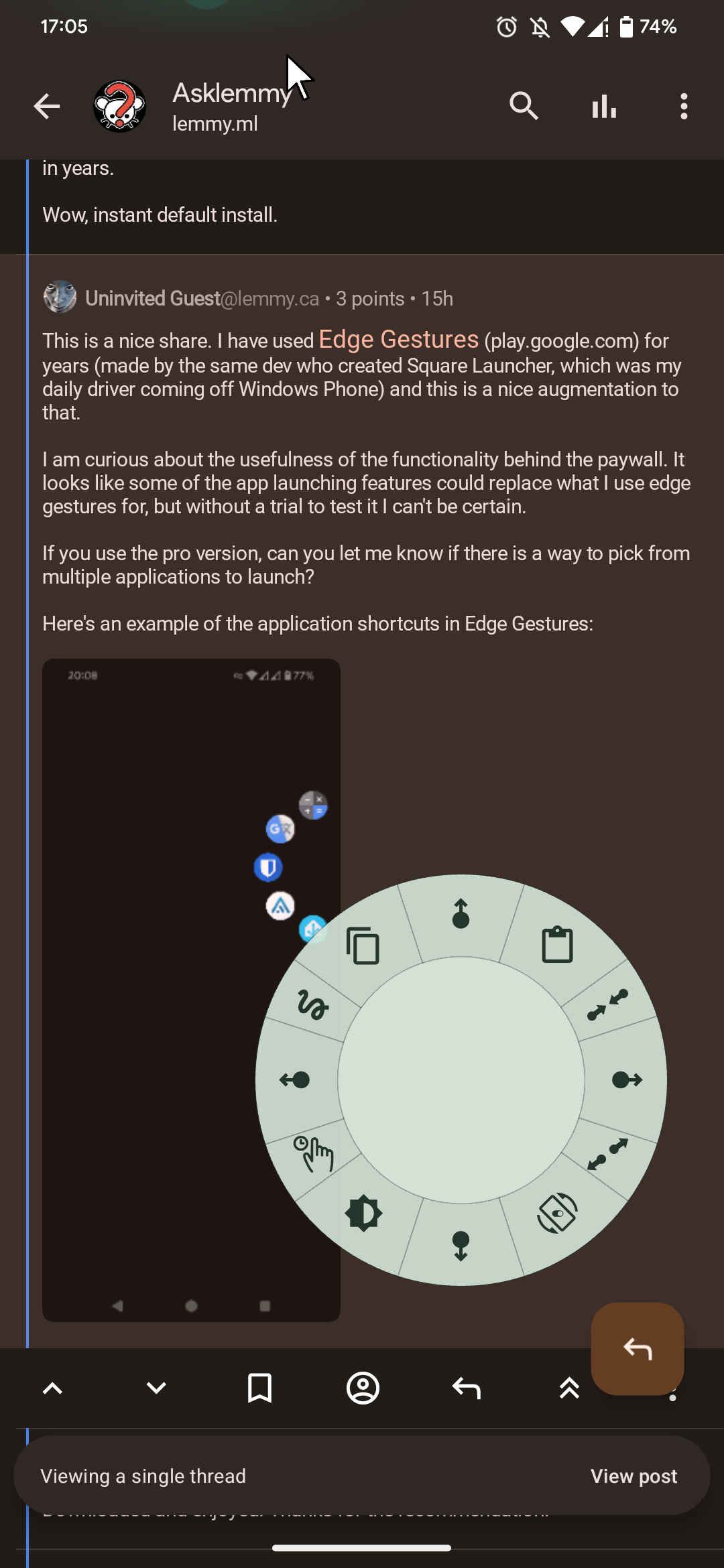
I set it so it activates when I tap and hold the tracker, it shows up those shortcuts. If I slide my finger towards one of the shortcuts, it activates it.These are my edge actions
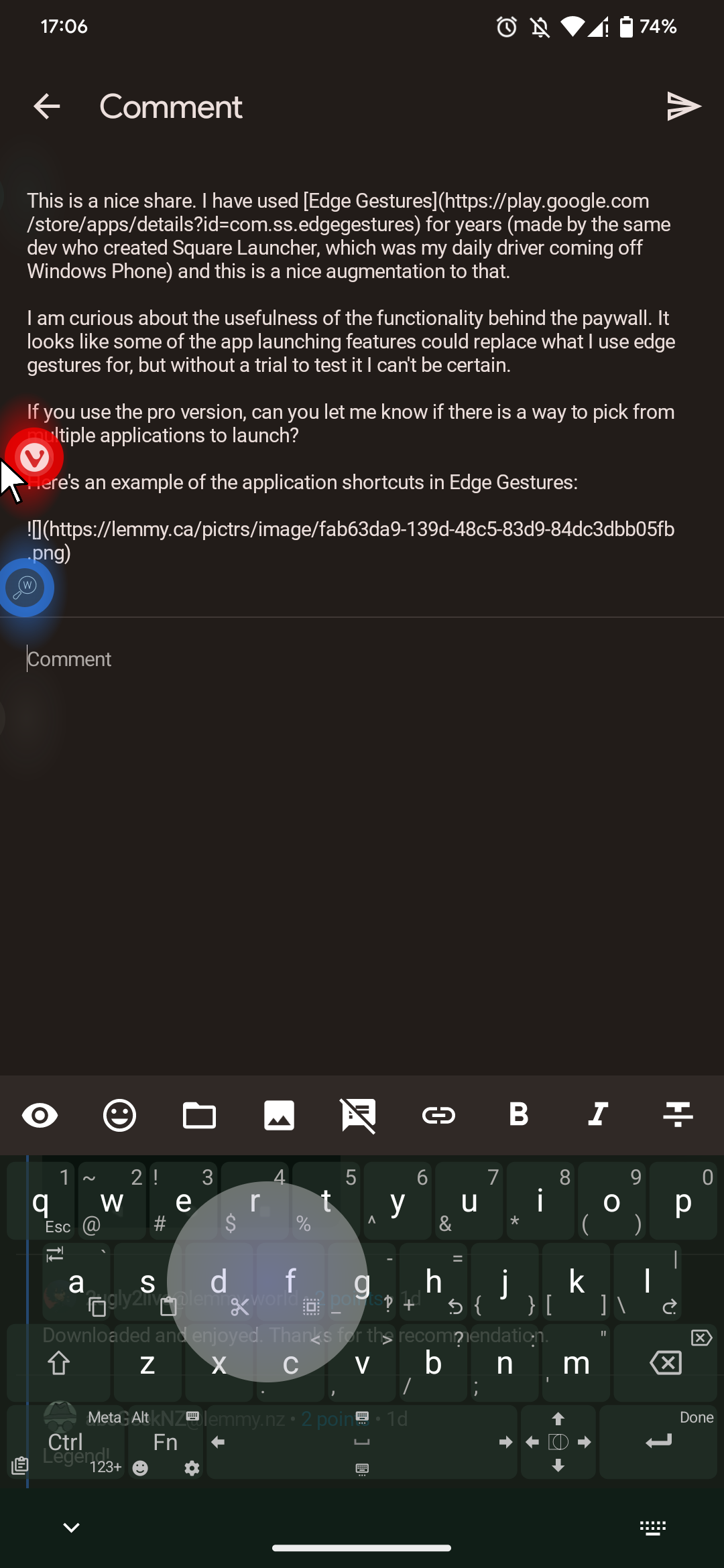
These are actions/shortcuts that you trigger by pushing the cursor to the edge of the screen.You can pick any app from your phone or any of the actions available in the app, there are a lot… Like system controls (volume, brightness control, media playback buttons, screen lock, screen rotation, etc.) and you can also make a shortcut for Tasker/MacroDroid/Automate action. So basically, you can make a shortcut for almost anything you can think of.
That seems like a wonderful function. Considering android support external mouse with cursors. I hope someone can make a FOSS version and put it in F-droid.
Downloaded and enjoyed. Thanks for the recommendation.
That’s stupid, so good. How haven’t I heard of this before?
You can just connect a Bluetooth mouse if you have one and a cursor will appear natively.
I think you are missing the point of the app. The cursor part of it is more of a gesture, or you can think of it as a “thumb extension”. The point is to help you avoid the inconvenience and save time by allowing you to reach farther parts of your screen without repositioning your hand. I called it a “phone touchpad” just because, when you activate it, a part of the screen is acting like a touchpad. You are not using it for a specific purpose of having a cursor on your phone, the cursor is basically just the tip of your “virtual extended thumb”. So it’s a utility/accessibility software.
Using a physical mouse would be the opposite of what this app is trying to achieve.Okay, I tried it, it’s not for me. Would be WAY better if the track pad was logarithmic so the cursor was closer to your thumb as it got lower on the screen, eventually meeting your thumb when dragged low enough.
If it had that feature (and played well with the bluelight filter I use, twilight) I’d be sold on it.
I’m not sure what system you’re on, but mine does do that. Not all the way down so they’re touching but it goes from a little above my thumb when at the bottom, to my thumb being around the middle of the screen with the cursor at the top of my phone display.
Edit: I think if you dig around in the settings you can change the distance. But it’s probably behind the paywall.
I think it might be possible only in the paid version, but that’s exactly how it works, you just have to increase the Cursor area in Swipe zones settings.
And it does stay under the Twilight if you give Twilight the accessibility permission.
no F-droid?
Linux, seriously, it’s in my phone, my router, my desktop, my ISP and nearly the entire infrastructure of the internet upon which I rely uses it.
firefox
Python
Python is underappreciated
Yt-dlp. It’s basically the only way I download music nowadays.
Leisure Suit Larry
7zip
KeepassXC + KeepassDX
KeepassXC + Keepass2Android with the Inputstick plugin to let me type passwords into other devices using my phone.
Nice, someone else with an InputStick.
Ayy, I respect your taste.
Notepad++
I thought so too, yet here I am on arch linux now.
I guess I could run it under wine or something if I really needed it.
qBitorrent, undoubtably
I’m bored so I’m just going to make a list:
-
Lightroom Classic (I’ve tried Darktable, just not for me. I take a lot of photos on my DSLR and I’ve been using Lightroom since 2015 so for me it’s worth eating the awful monthly subscription that I split with someone else.)
-
Anki (flashcard app, very popular among med school students and folks trying to learn new languages. Open source and tons of useful decks available. I’ve aced plenty of exams thanks to Anki.)
-
Bitwarden (finally caved and got a password manager-- could not be happier)
-
CHIRP (the best for programming handheld, mobile and base station radios)
-
CrystalDiskInfo (great for checking the health of SSDs and HDDs)
-
DaVinci Resolve (love using this for video editing-- pirated copy was easy to find)
-
Deluge (great for torrenting)
-
foobar2000 (I love it for music)
-
Greenshot (useful screencapture software)
-
inSSIDer (great for wifi analysis)
-
IrfanView (very good for photo management)
-
MusicBrainz Picard (amaaaaaaaaazing god tier music management software to get all the correct metadata/album art)
-
reWASD ($7 but it’s so good for no BS macro’ing of keyboard/mouse/gamepad shortcuts and profiles. I have two PCs and two mice + gamepad attached to my PC and this software is very helpful. I think the license is for life.)
-
WizTree (SSD/HDD visualization tool that is useful for figuring out what’s taking up too much space on your drive)
Three stages of a passwort manager
Stage 1: I do not need a passwort manager
Stage 2: Maybe I need a password manager
Stage: Why didnt I setup one way earlier???Why pirate Resolve? The non studio version is free (but not OSS)
-
Obsidian.
Since the Internet in general is getting harder to find genuine information, it is becoming increasingly important to save anything important to you. One day it could just disappear without warning. Obsidian can be used for an offline knowledge base. Design it however you like. I do recommend NOT watching YouTube Obsidian “gurus”, their system works for them not you.
What’s the premise?
Personally for me, it allows me to dump stuff out of my noggin good or bad. That way I can stop thinking about it and move on. A form of self reflection. I have a bad habit to hold onto thoughts and go down a rabbit hole with them in an unhealthy fashion. Basically journaling but I can store things I have learned long term.
The beauty of it is Obsidian (or really any other writing app) allows you to develop a system of writing for you. I’m not the typical writer but Obsidian allows me to write without worrying about the organization so much.
So it’s a writing app?
Note taking multi tool: https://obsidian.md/
Yep, today I’d say obsidian and syncthing, they’re the bread and butter of my life right now. Although it feels sad and weird to see the small app I discovered 2 years ago starting to enter the «selling template» and «enhance your experience» that notion also took a few years ago «althought it’s a completly different company culture»