Google says “power users” can “still install” unverified apps. Here’s what that actually looks like:
Delve into System Settings, find About Phone
Tap the build number seven times to enable Developer Mode
Dismiss scare screens about coercion
Enter your PIN
Restart the device
Wait 24 hours
Come back, dismiss more scare screens
Pick “allow temporarily” (7 days) or “allow indefinitely”
Confirm, again, that you understand “the risks”
Nine steps. A mandatory 24-hour cooling-off period. For installing software on a device you own.
Worse: this flow runs entirely through Google Play Services, not the Android OS. Google can change it, tighten it, or kill it at any time, with no OS update required and no consent needed.
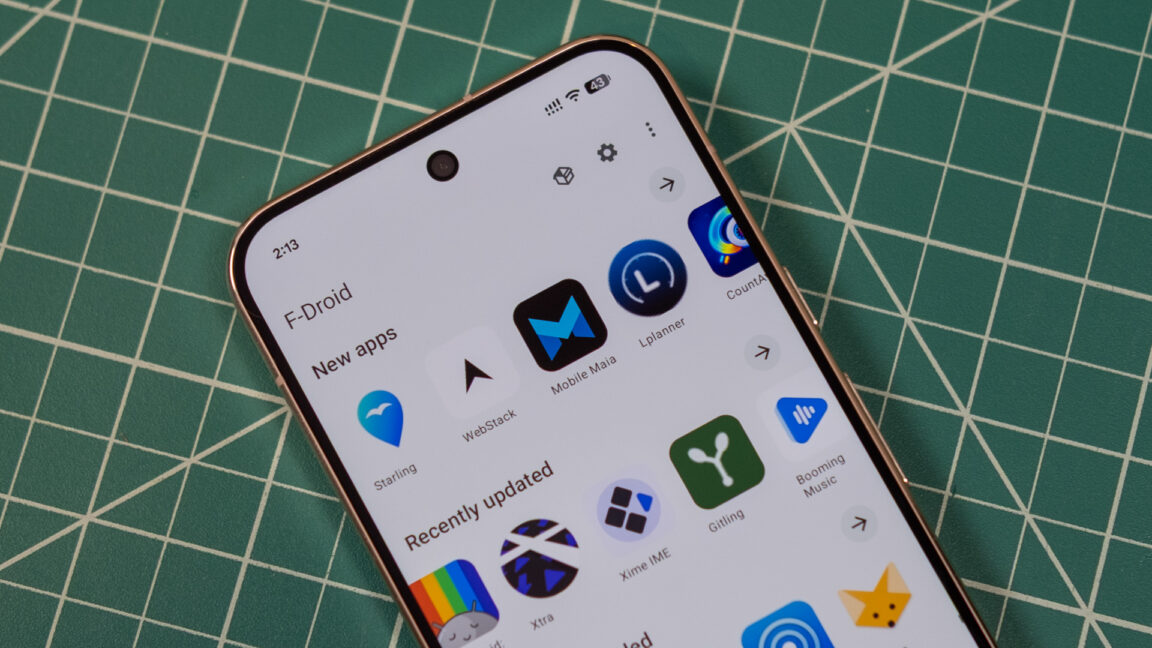
It won’t be a problem on a de-googled phone. Get it running LineageOS or GrapheneOS. Then install F-Droid (and probably Aurora store too). Some Google junk won’t work, but you’ll soon be more limited by having Google services on your phone than not having it.
Hardly the point though. For us this is a bother at most, but we can cope because we’re already doing our own thing and know what we want. Imagine trying to get your non tech-savvy friends to “sideload” (install) an app from outside the Play Store. Right now it’s not a big deal, so if they’re interested in the app, they’ll likely install it. But this amount of friction and scary warnings is way more likely to stop them.
If one looks at the supported devices pages (which I do regularly hoping that it supports mine) it’s easy to see that 99% of devices on the market simply can’t use them.
This is why rooting is great and if you re worried about banking apps, KernelSU is very good at blocking detection and keyboxs for the hardware attestation get leaked weekly.


https://keepandroidopen.org/
Google says “power users” can “still install” unverified apps. Here’s what that actually looks like:
Delve into System Settings, find About Phone
Tap the build number seven times to enable Developer Mode
Dismiss scare screens about coercion
Enter your PIN
Restart the device
Wait 24 hours
Come back, dismiss more scare screens
Pick “allow temporarily” (7 days) or “allow indefinitely”
Confirm, again, that you understand “the risks”
Nine steps. A mandatory 24-hour cooling-off period. For installing software on a device you own.
Worse: this flow runs entirely through Google Play Services, not the Android OS. Google can change it, tighten it, or kill it at any time, with no OS update required and no consent needed.
It won’t be a problem on a de-googled phone. Get it running LineageOS or GrapheneOS. Then install F-Droid (and probably Aurora store too). Some Google junk won’t work, but you’ll soon be more limited by having Google services on your phone than not having it.
Hardly the point though. For us this is a bother at most, but we can cope because we’re already doing our own thing and know what we want. Imagine trying to get your non tech-savvy friends to “sideload” (install) an app from outside the Play Store. Right now it’s not a big deal, so if they’re interested in the app, they’ll likely install it. But this amount of friction and scary warnings is way more likely to stop them.
If one looks at the supported devices pages (which I do regularly hoping that it supports mine) it’s easy to see that 99% of devices on the market simply can’t use them.
Yeah, it’s been getting harder as time goes on. It’s basically only pixels that are supported and still on the shelf.
Worse - that 24 hour timer? You only have a short window of time once it finishes to continue, otherwise you have to wait another 24 hours.
This happened to me :(
Under the assumption this is a non negotiable thing…
They should at least let you alter the timer if you know you might not be able to
Like if in the post 24h window you know you’ll be busy, let you make it 28h instead of 24h
This is why rooting is great and if you re worried about banking apps, KernelSU is very good at blocking detection and keyboxs for the hardware attestation get leaked weekly.
This is why antitrust law is great… or would be, if we fucking had it anymore!
Technological workarounds are not the same thing as actual solutions.
I don’t have hope for a solution.
https://github.com/tiann/KernelSU
what???
also, what do you do with the leaked keyboxes? does kernelsu handle them too, or do you use a different tool for that?
I use play integrity fix and tricky store. Everytime it is revoked, I change it to an unrevoked one. KernelSu hide the root and modules.