To find such information for ourselves, the link says “you can pull up the page by clicking on the “Account” link”.
But there is no such “Account” link when I look, only a “Your Account” link and the difference matters.
under the Account & Lists drop down menu.
yes I have “Account & Lists” option.
Scroll to the bottom of the page you land on and click a small link that says “manage your information” and there you have it."
no such “manage your information" for me.
That’s why online software instructions are rarely useful, they most often mention options that are not availabel when I look for them. Possibly because things are updated too often.
Yeah, the instructions from the website didn’t work. I had to hover over Account & Lists, then click on Shopping Preferences, then scroll down to click on Manage Your Information under About You.
Mine said they didn’t have any info on me, since I haven’t shopped there since 1998.


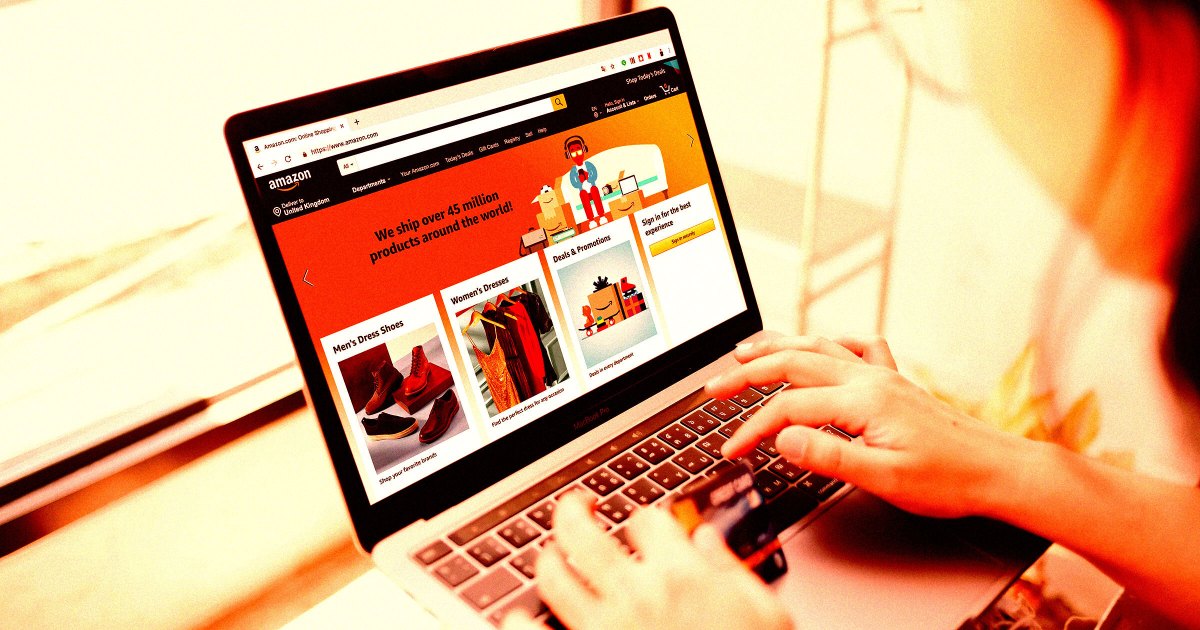
To find such information for ourselves, the link says “you can pull up the page by clicking on the “Account” link”.
under the Account & Lists drop down menu.
Scroll to the bottom of the page you land on and click a small link that says “manage your information” and there you have it."
That’s why online software instructions are rarely useful, they most often mention options that are not availabel when I look for them. Possibly because things are updated too often.
Yeah, the instructions from the website didn’t work. I had to hover over Account & Lists, then click on Shopping Preferences, then scroll down to click on Manage Your Information under About You.
Mine said they didn’t have any info on me, since I haven’t shopped there since 1998.
I couldn’t find it on desktop but found it easily on mobile.