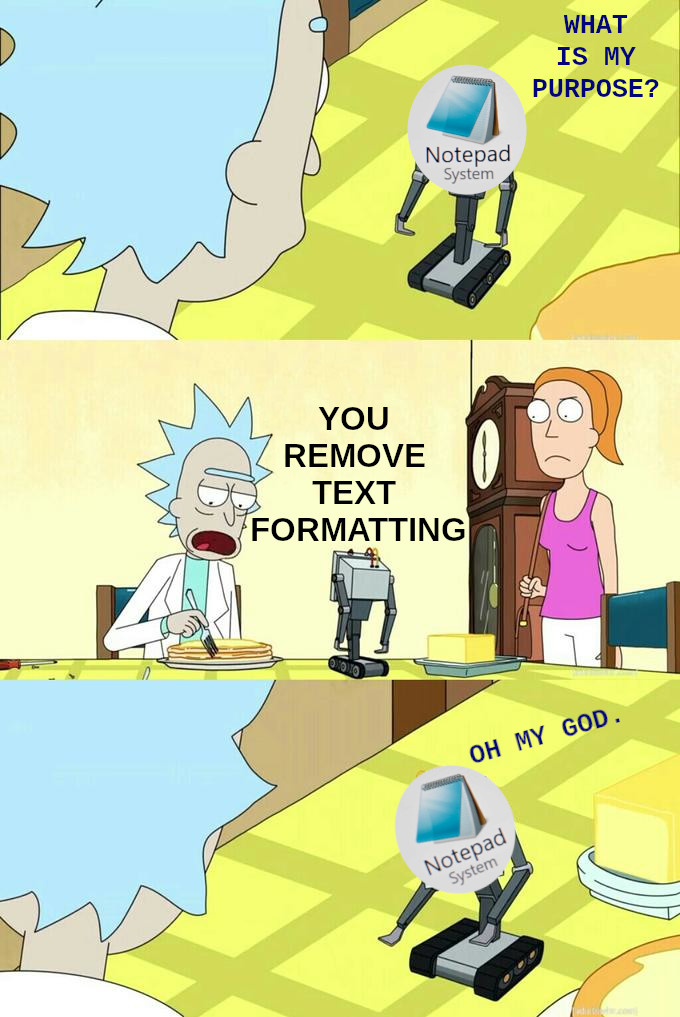
Shift + control + V makes this bot obsolete
It doesn’t work in all apps.
For those instances, I paste + cut in my browsers url bar (unless multiline, then notepad)
I hit Win+R and use the run dialogue text bar.
You also get to try running it in case it does something fun on your system.
chad
Glad to hear I’m not the only person abusing that run dialogue box.
Does that maintain paragraph breaks?
Exactly. Why open another app?
History
You’re the only program that loads quickly enough on my pile of junk machine to write down my impulsive ADHD ideas before I forget them so I can forget to read them later
Notepad++ for me since opening the files i need to in regular notepad freezes the fucker xd
Try Sublime Text
Does sublime retain contents across restarts like notedpad++?
Even the integrated windows Notepad does this now.
Yup!
Nah, I use it a lot for editing .ini files for games.
Try Notepad++, its free, open source, and well worth the minimal effort to download and install.
NP++ is great but sometimes you want something even more minimal… I for example hate NP++'s icon toolbar and it’s cluttered menu bar and would never use it even though I acknowledge that it’s a great tool (just not for me).
Classic notepad.exe with basic syntax highlighting would be amazing…
CTRL + SHIFT + V
For apps that support it. Not even the whole Microsoft suite does.
Before even typing “notepad” after hitting Win+R, I realised I could just paste my text directly into the run dialog and re-copy it.
For one liners, this is the way.
Heeey Notepad has Copilot included now! I wonder why they ruin the app.
Watch microsoft “update” notepad to ruin this feature…
Just use shift+Ctrl+V for that.
Powertoys has a plaintext paste